
Select the perfect plan for your data transfer needs.




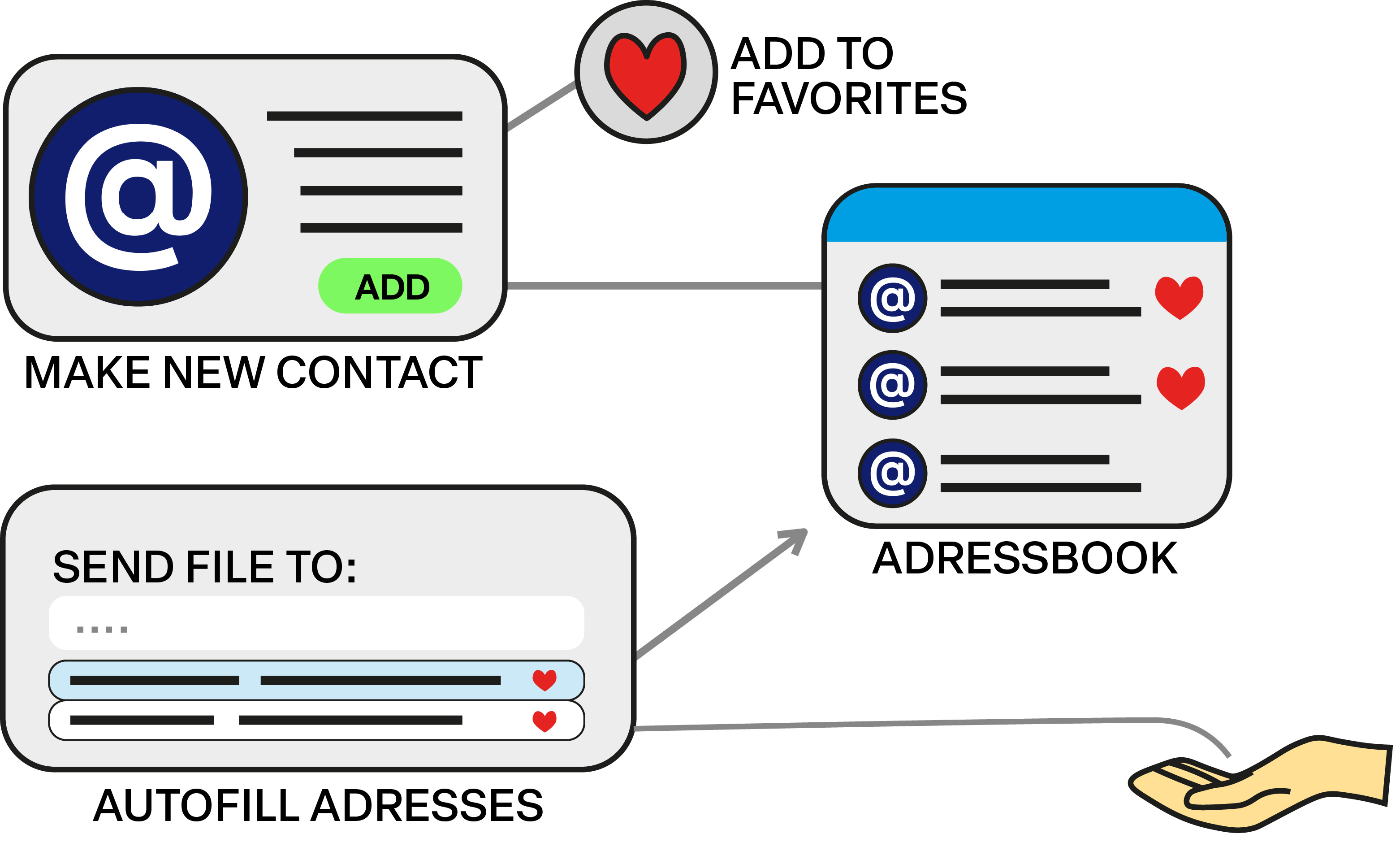
Create contacts to later make customising transfers easier. Add your most used contacts to favourites to speed up the transfers even more.
*Adding an address book is completely voluntary and not necessary to use the service.
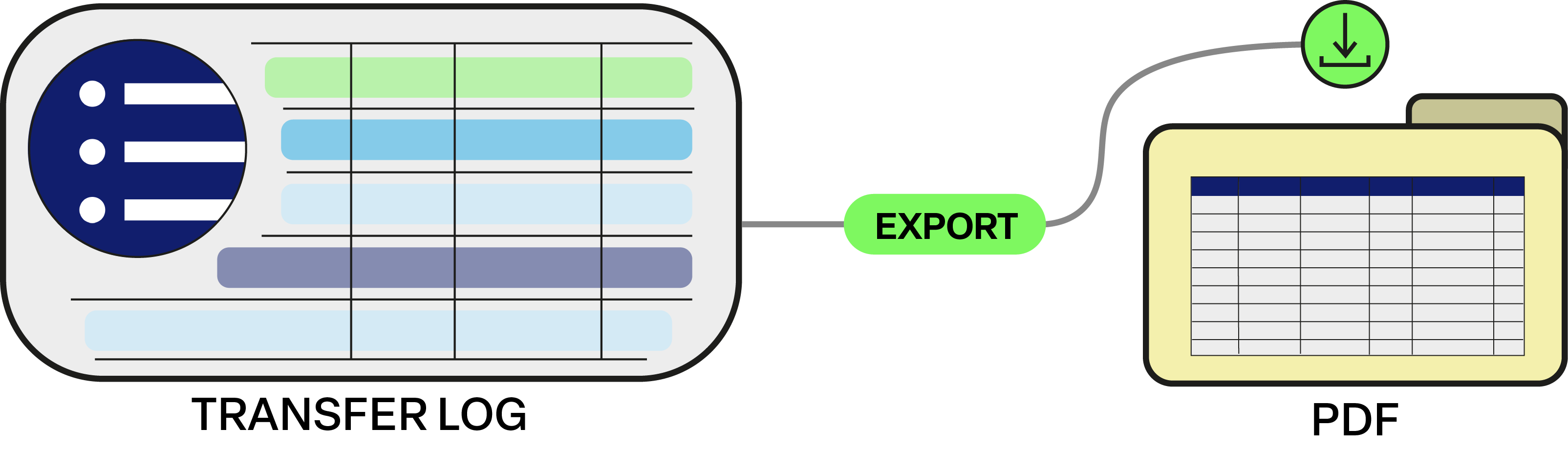

The Transfers Log keeps track of your sent files. The receiver, date of sending, expiry of activity, and name of the file is stored. You can export it as a PDF for your own administration, and delete single entries or the whole log whenever you like.

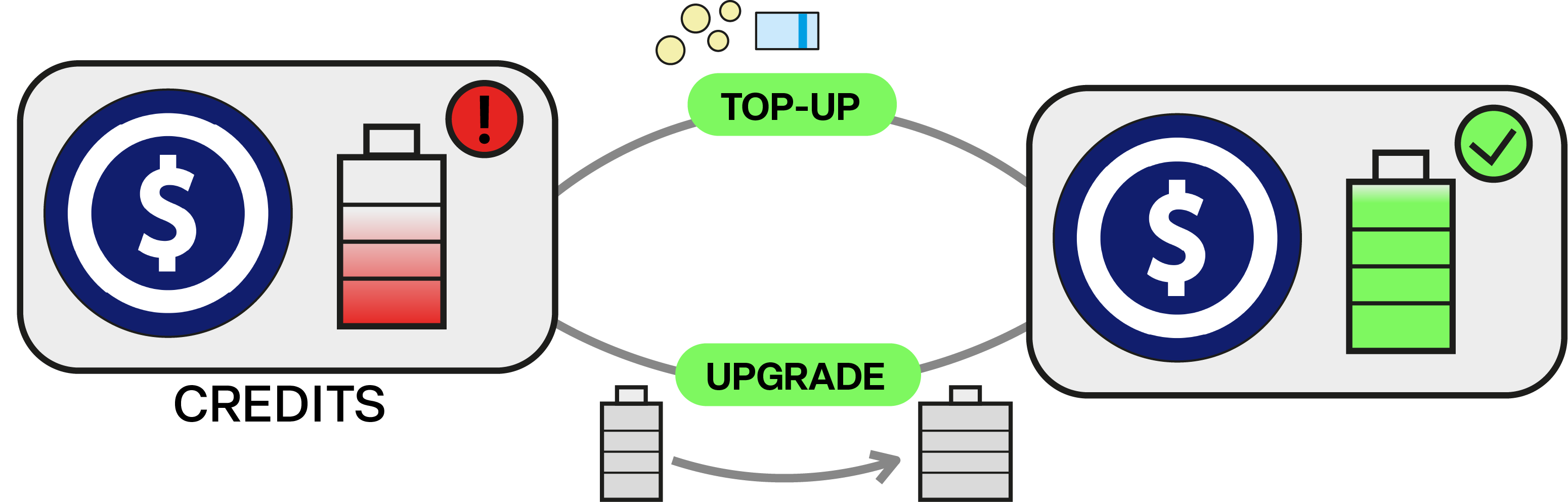
Track your credits and subscription in Money Management. Here you can see what options you've used, top up your credits, to keep using the service when you run out. As well as review your invoices and spending history.
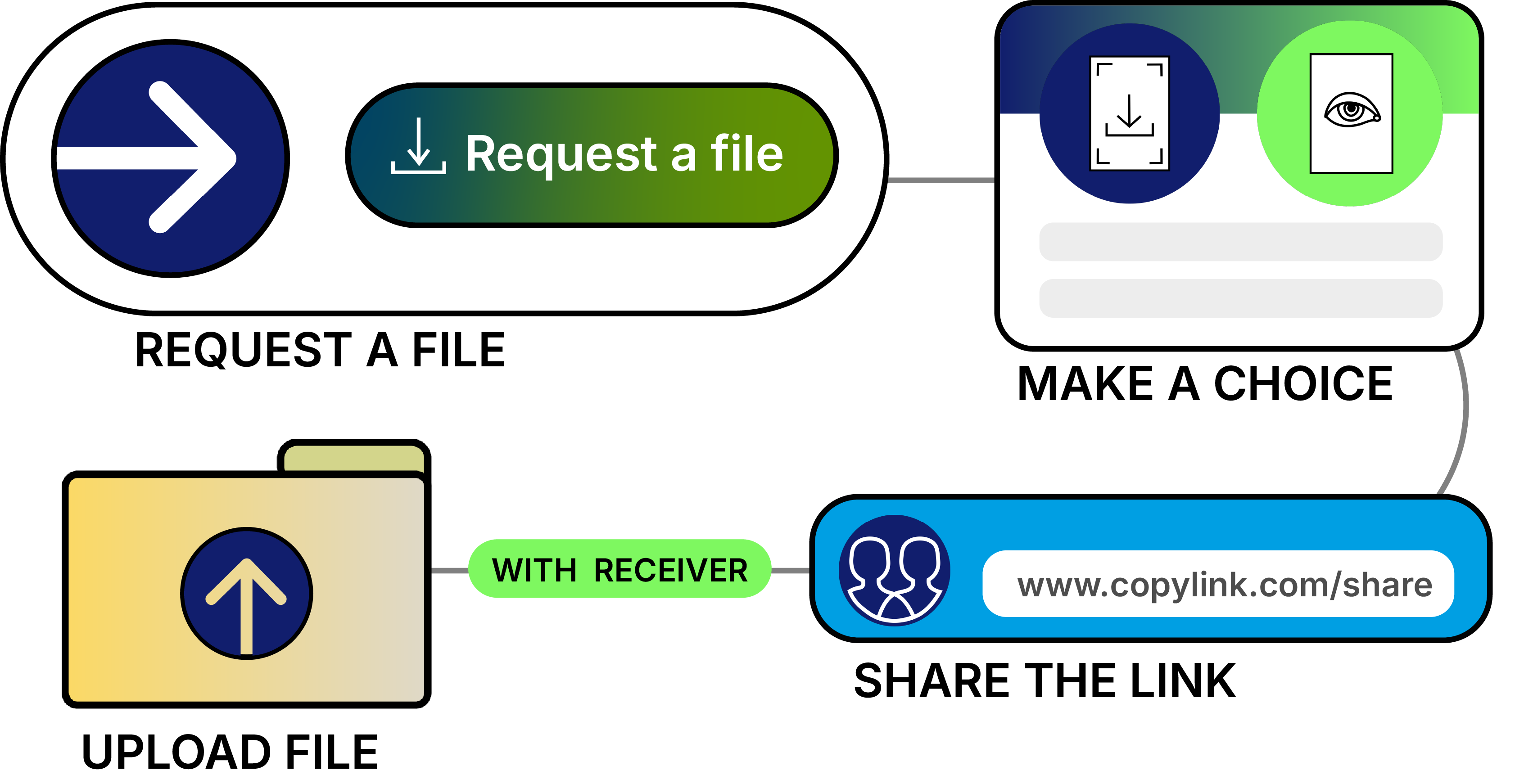

Request a file from someone through OONOO using your personal credits. Select the conditions in which the file must be uploaded (like View Only or File Transfer, timing, watermarks and more), or leave it completely up to the receiver.
The file, or the status of your request, can be viewed in the Transfers Log.
Write your own agreement from scratch. Start with a blank page, add only the sections you need, and send it out for a signature or a simple acceptance. A one page agreement is just as quick to build as a full contract.
Choose to get a link, or let OONOO send the agreement as an email
Choose between having the receiver Accept or Sign
Optional: add a password to the agreement
The recipient must enter a password before accessing the agreement.
The receiver must complete ID verification before gaining access to the agreement.
Read more...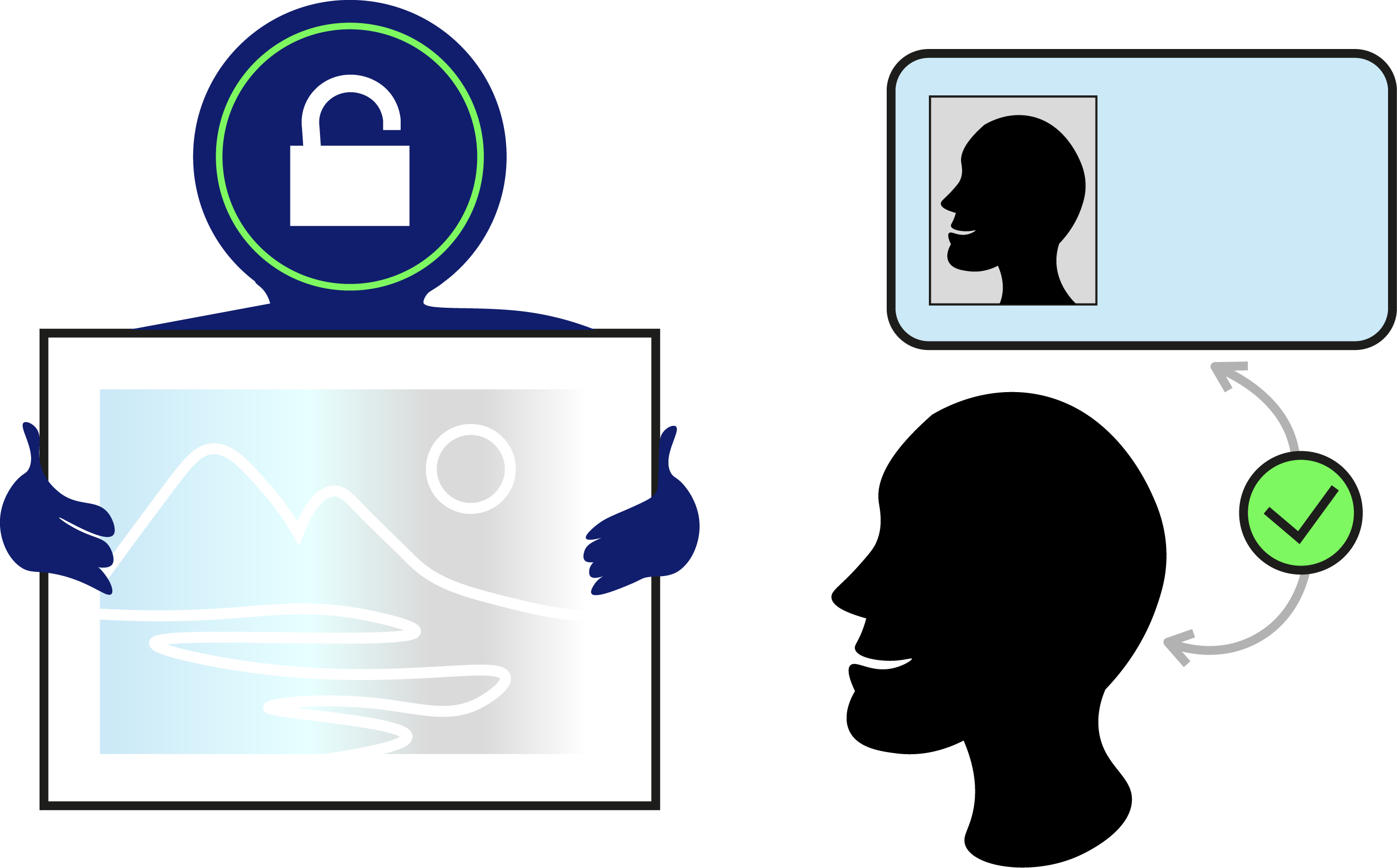
Have questions? We have answers.
Check out our FAQ section for more information about our services and how to use them.
A monthly allowance of secure transfers plus the tools to send faster: an address book, autofill for your details, a transfer log you can search and export, the custom agreement builder and invoice builder, Request a File, password protection, custom watermarks and the option to deactivate a link at any time.
Each plan includes a set number of transfers every month, which resets on your billing date. View Only and File Transfer use 1 transfer, agreements and invoices use 2. ID verification uses 5 (or €5 by card if you've run out). Need more? Top up in Money Management with credit packs from €5 for 5 transfers. Extra credits never expire and are only used once your monthly allowance runs out.
Yes. You can change your plan from Money Management at any time. If you cancel, your subscription stays active until the end of the current billing period, and any extra credits you bought stay usable afterwards.
The Team plan costs €24 a month for the first seat and includes 30 transfers, shared by everyone on the team. Each extra seat adds €12 a month and 10 more transfers to the pool. You invite colleagues by email, and each member signs in with their own account.
No. Your recipients open the link in their browser, with no account and nothing to install. Only you, the sender, need a Pro account.
Files are stored on EU servers and permanently deleted once the link duration you chose has ended. Everything else stays under your control: you can delete single transfers or your whole transfer log and remove contacts whenever you like, or delete your account to remove all your data in one go. We never sell your data, and we never scan your files with AI or use them for training.